Introduction
Its time to learn the basics of making the portal, Now that you have all of the materials that you need, Lets get started. First we are going to PROGRAM the portal, so that we do not have to disassemble the portal after its model is made so you can make it work. In order for this to work, You are going to need CODING Experience.. Or you can look for an already working code for it.. If you need coding experience click on the button below this that reads CODE..
STEP #1: Coding the keypad
Ok now that you know how to code.. Make a new python file.. Make sure the name is something that you will recognize as the code for the keypad.. Now open the file, Your screen should look like this
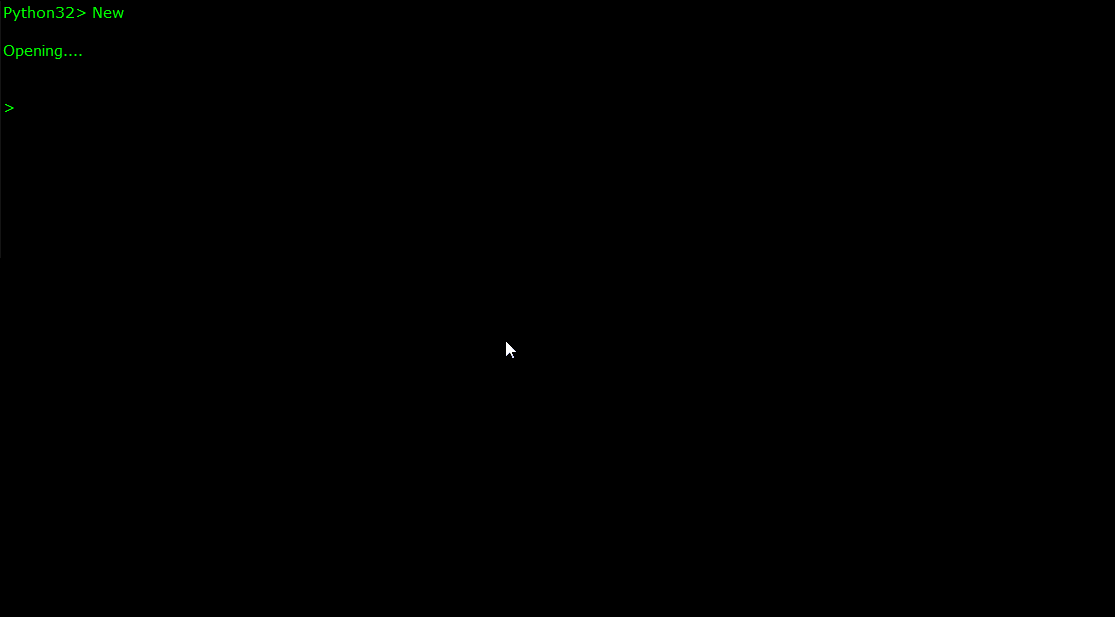
Now if you looked up code for the keypad, then just paste the code in.. If not then you are going to have to write the code by hand.. You are going to have to make system for recognizing and encrypting and saving universal coordinates, and for decrypting and opening universal coordinates.. Make the universal coordinates the FORMAT for all input, Add a second option for choosing what point in time you wish to ENTER that universe's timeline in.. Put the format for the timeline something that looks like this
Universal Coordinate Format:
R(name)C(number)d(number)U(name or number)
Example: RfictionC590d229-0Uorigin
Timeline Format:
(month)(day)(year):(time)am/pm
Example:02131982:6:17pm
After doing that make sure to code each button to an each correlating input.. Include two buttons that look like this
Code the TIMEPOINT button to have the Timeline format, and the U-Coords button to have the Universal Coordinate format.. After that you just have to code in 0-9 buttons and you will be good to go..
Your screen should look something like this:}
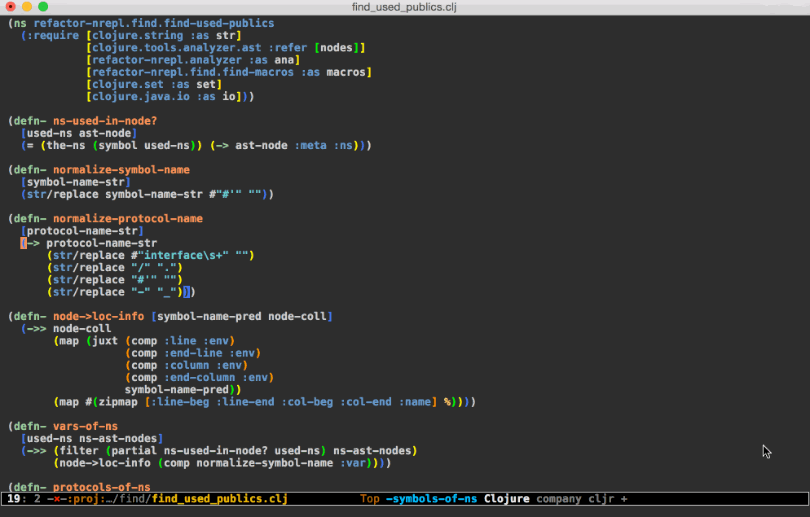
Now that you have completed that code.. Lets move on to the next step..
STEP #2: programming the motherboard
Now that you have completed the keypad's code.. It is time to code the motherboard.. You must make it so that it can understand EVERYTHING that the keypad will send to it.. And Then convert that into ASCII, Then Into Binary, and then turn the BINARY into LIGHT, and send it down the fiber optic wire, and activate the portal.. Once that system is in place.. get your fiber optic wire and plug it into the motherboard...
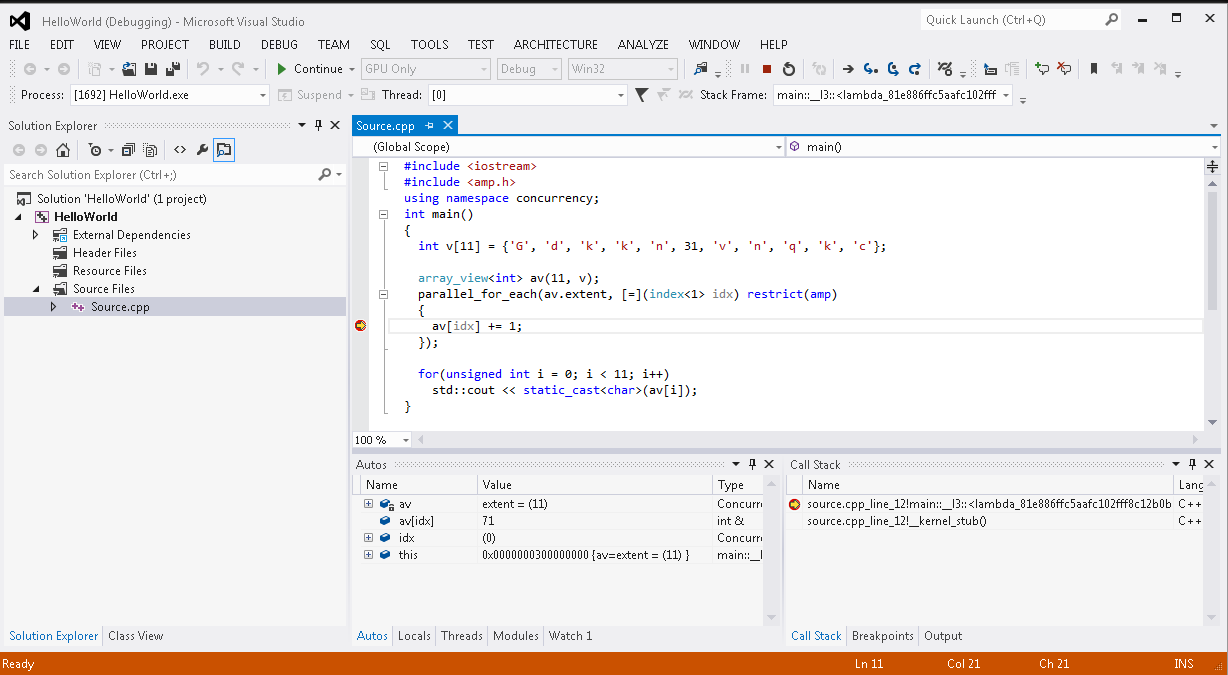
You should use the fiber optic wire for a power source and to send the code TO the motherboard. You will need to code the motherboard in C++, design it to interpret the formats and convert it into a location, and time. After that all you need to do is to build the Hollow frame, then hook up all of the important stuff. And put the build inside of the frame.
Your code should look like THIS:
Step #3: Building the Frame
Now that you have all of the coding done, It's time to actually start BUILDING this thing. You are going to need a SURPLUS of Kalido Obsidirock for this.
You will exactly need 10 buckets of the stuff.
First you are going to need to take out your tools.
Make sure that you have a,
Welder, Sander, Shaper, and a Chisel.
You are also going to need the proper safety equipment, but that goes without being said. First you are going to need a welder, Grab out your welder and plug it in. You are going to need to make a Straight line out of the Kalido Obsidirock that is exactly 84 inches long. This is going to be the base unit for the DIAMETER of this equation.
The DIAMETER is 84, So what is the circumference?
Then shape and curve the straight line using the SHAPER into a circle. The circumference of this circle should be exactly 263.76 inches.
Now you are going to need to carve where the LED's will go, and other things into it. You are going to need to be very careful with this, as you are only going to get one shot at getting the carvings right.
Now that you have the markings you need to give them depth, You also only have one shot at this. First you Chisel the big triangle about an inch into the kalido obsidirock. Then you chisel the small triangle about 2 inches into the kalido obsidirock. Next is the tiny square, Make sure that is 57 centimeters deeper than the small triangle. Now using the chisel You must chisel a 2 inch deep line that leads the center of the portal where the line on the diagram connects the two side Quantum Initiator markings to the portal face.
